How to Choose a Dispensary POS System in Oklahoma
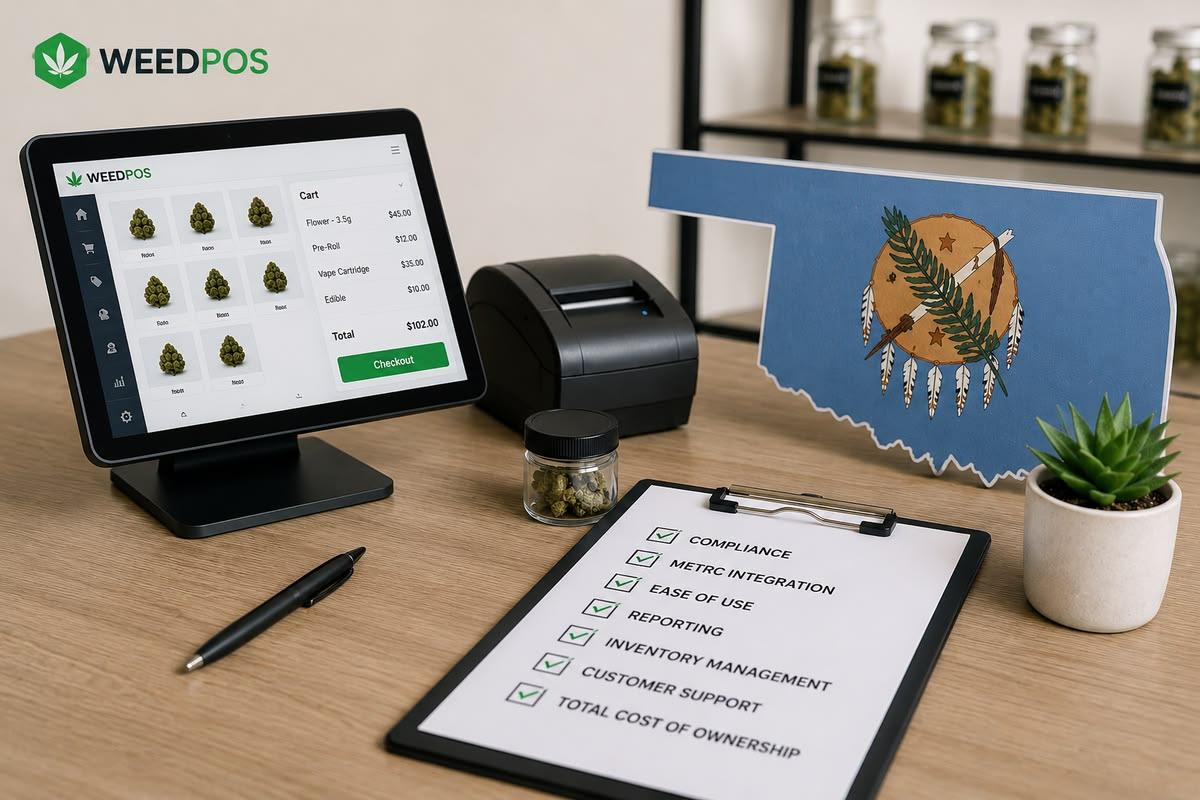
Choosing the right dispensary POS in Oklahoma is not just about features. It is about finding a system that supports OMMA compliance, keeps checkout moving, and makes reporting reliable for every shift.
This guide helps Oklahoma operators define needs, evaluate vendors, test METRC workflows, compare total cost of ownership, and run a pilot with confidence.
Define your core needs first
Start with a clear list of what your dispensary must support. The most important categories are:
- compliance workflows,
- checkout speed and accuracy,
- reporting and reconciliation,
- inventory and product management,
- staff access controls and cash management.
For Oklahoma, compliance should be the primary filter. A POS that is easy to use but fails to support patient tracking, purchase limits, or METRC workflows will cost more in audit risk than it saves in convenience.
Evaluate compliance, checkout, and reporting capabilities
Ask each vendor to demonstrate how their system handles three core areas.
Compliance:
- Can the POS record and validate OMMA patient information?
- Does it support package-level tagging and batch control?
- Is METRC reporting built into the workflow or does it require manual exports?
Checkout:
- Does the register support fast product lookup, scanning, and bundle handling?
- Can it handle cash, card, and age verification without slowing the line?
- Does it enforce purchase limits and stop non-compliant sales at the counter?
Reporting:
- Does the system generate audit-ready sales and inventory reports?
- Can it reconcile register sales to METRC activity?
- Are manager summaries available by shift, day, and product category?
The best POS vendors make these capabilities visible during a demo, not buried under a “feature list.”
Test METRC workflows and offline mode
METRC is the regulatory backbone for Oklahoma cannabis. Any system you choose must handle it cleanly.
In your evaluation, verify:
- whether METRC manifests and adjustments sync automatically,
- how the POS manages package tags from receiving through sale,
- how errors are surfaced and resolved,
- whether the system can operate offline if the internet goes down.
Offline support is especially important. A POS with poor connectivity handling can force your team to make risky manual decisions during a busy day. The right system should queue sales and update the state system once the connection returns.
Compare total cost of ownership and ROI
Price is important, but it is only one part of the decision. Compare systems based on total cost of ownership:
- monthly subscription and transaction fees,
- hardware and implementation costs,
- training and support fees,
- the cost of audit risk and downtime,
- the value of time saved by integrated workflows.
A cheaper system that requires manual METRC uploads, spreadsheet reconciliation, or frequent support calls is often more expensive over time than a more complete solution.
Run a pilot before you commit
The best way to validate a POS is to pilot it in a real store environment.
A good pilot should:
- start with one register or one location,
- test the most common workflows your team uses,
- include receiving, sales, returns, and adjustments,
- validate METRC sync and reconciliation,
- measure whether the new system saves time or reduces errors.
Ask your vendor for help designing the pilot and set clear success criteria. If the pilot shows that the system improves compliance and reduces friction, it is more likely to succeed in a full rollout.
What to look for in a vendor relationship
Your POS vendor should act as a partner, not just a software supplier.
Choose a company that provides:
- Oklahoma-specific onboarding,
- state compliance support,
- training for your budtenders and managers,
- responsive support when you need it,
- a roadmap for product improvements.
In a regulated market, vendor support can be the difference between a smooth transition and a disruptive rollout.
Final checklist for choosing your Oklahoma POS
Use this checklist when comparing options:
- does the system support OMMA compliance and package-level inventory?
- can it enforce purchase limits and validate patient records?
- does it integrate with METRC or remove manual state reporting steps?
- is the checkout workflow fast and easy for your team?
- does reporting support audits, shift reconciliation, and business insights?
- does the vendor offer strong onboarding and ongoing support?
- can you pilot the system before full rollout?
If you want a practical evaluation framework that is tailored for Oklahoma dispensaries, contact our team for a demo. We can help you compare workflow fit, compliance readiness, and total cost of ownership so you choose the right POS for your business.
Frequently asked questions
Should I prioritize price or compliance?
Prioritize compliance and operations; price matters but is secondary to avoiding audit risk.
How to pilot a new POS?
Start with one register, test common workflows, validate METRC sync, and measure time savings.
Book a Weed POS Demo
See how Weed POS handles OMMA compliance, inventory, and checkout for Oklahoma dispensaries, all in one operating system.
Related articles
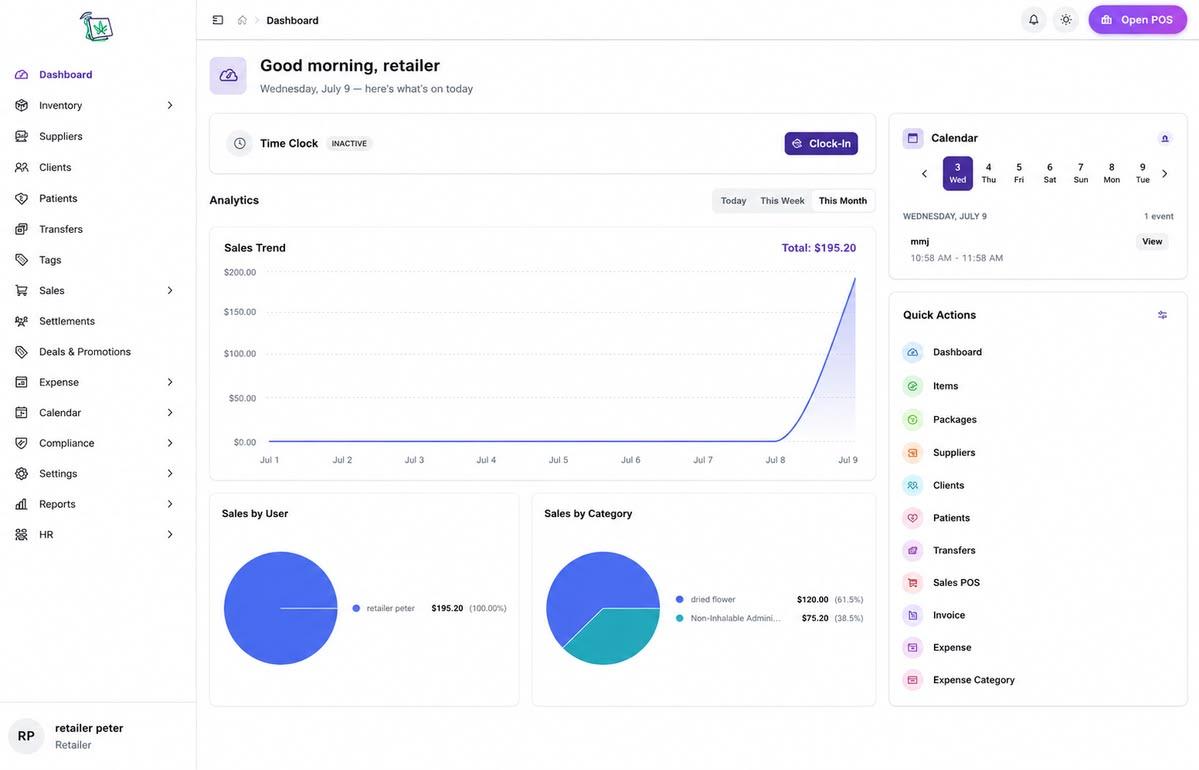
Point of SaleJuly 21, 2026
Cannabis POS System for Retail Dispensaries
A cannabis POS system for retail dispensaries must handle OMMA compliance, package inventory, and fast checkout in one workflow — not as bolt-on modules.
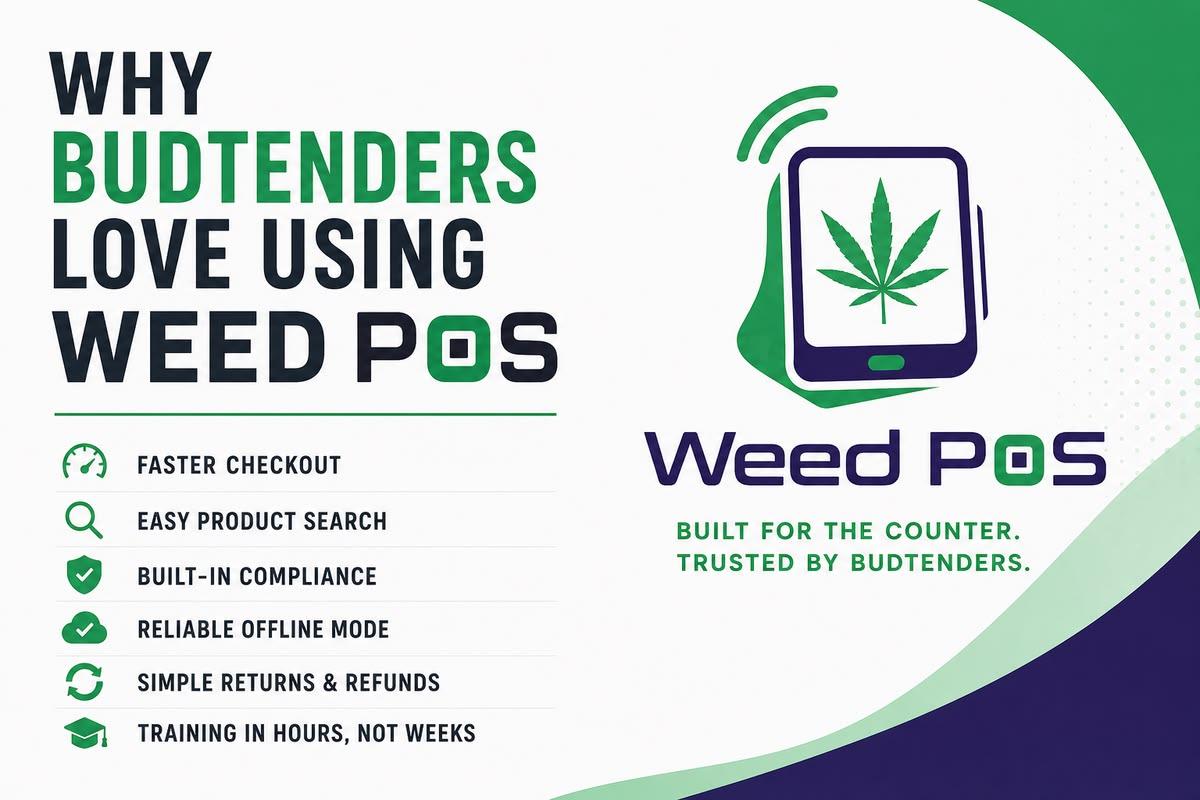
Point of SaleJuly 8, 2026
Why Budtenders Love Using Weed POS
Budtenders need a cannabis POS that keeps checkout fast, compliance automatic, and product search simple — here is why Oklahoma teams prefer Weed POS on busy shifts.
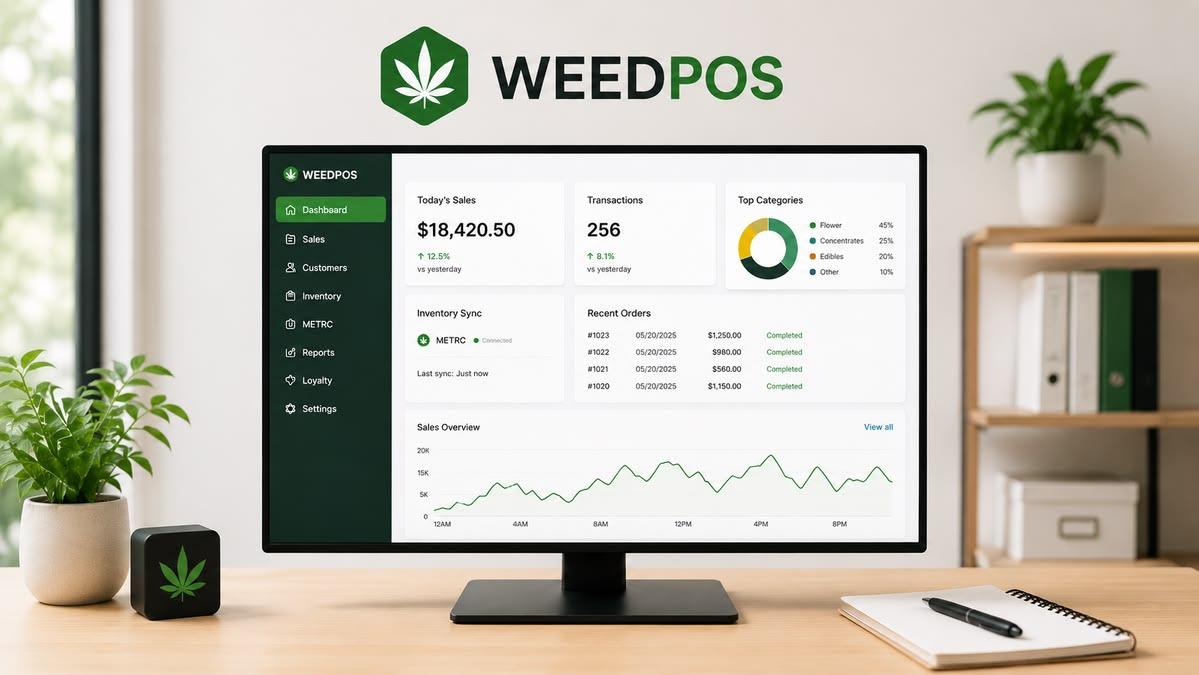
Point of SaleJune 18, 2026
Weed POS vs Dutchie: Oklahoma Dispensary POS Comparison
A feature-by-feature POS software comparison of Weed POS and Dutchie for Oklahoma dispensary operators evaluating OMMA compliance and operations.