Why Budtenders Love Using Weed POS

Budtenders live at the hardest point in a dispensary: the counter during a rush. They answer product questions, validate patient credentials, ring up packages, and keep the line moving — all while compliance rules run underneath every sale. When the POS fights them, the whole store feels it.
That is why budtender adoption matters as much as owner buy-in. A cannabis POS can have every feature on a checklist, but if the register is slow, confusing, or forces compliance workarounds, budtenders will find unofficial shortcuts. Those shortcuts become audit risk.
Weed POS was designed around how Oklahoma budtenders actually work on the floor. This post explains why teams prefer it: faster checkout, simpler search, compliance that stays invisible, and training measured in hours — not weeks.
The counter is where software wins or loses
Owners evaluate POS systems in demos. Budtenders evaluate them on Friday at 6 PM with twelve patients in line.
At that moment, the questions are practical:
- Can I find the right package in two taps?
- Will the system catch a bad patient ID before I complete the sale?
- Does the register freeze when the internet flickers?
- Can I refund one item without calling a manager to the counter?
A budtender-friendly POS answers yes to those questions without a manual. When it does not, the store pays in longer waits, more training, and more compliance mistakes.
Fast product search keeps the line moving
The most common budtender frustration is slow lookup. Patients ask for products by strain, brand, effect, or package size. A register that forces scrolling through long menus or switching screens for every search adds seconds that multiply across a shift.
Point of Sale search in Weed POS is built for counter speed:
- search by strain, brand, or category,
- barcode and package tag scanning,
- frequently sold items surfaced for quick access,
- package-level inventory so budtenders sell from the correct tag.
When lookup is fast, budtenders spend more time helping patients and less time fighting the interface. That is the difference between software that supports service and software that becomes the bottleneck.
Compliance that budtenders do not have to memorize
Oklahoma budtenders must validate patient ID formats and enforce purchase limits. Those are not optional manager tasks — they belong at checkout.
Generic retail registers treat patient data as free text. Budtenders become the compliance system, remembering formats and doing math during a rush. That is when errors happen.
Weed POS embeds compliance in the sale:
- patient ID format checks before the transaction completes,
- purchase limits calculated as products scan,
- non-compliant sales blocked with a clear message,
- METRC reporting automatic at checkout.
The budtender workflow stays familiar: select patient, scan product, take payment. The compliance machinery runs underneath. Our guide on patient ID checks and purchase limits explains why that matters for Oklahoma operators.
Offline mode budtenders can trust
Internet outages are routine in retail locations. Budtenders fear two bad outcomes: turning patients away, or completing sales that never sync to the state.
Weed POS keeps checkout running locally during outages. Transactions queue with original timestamps and sync to METRC when connectivity returns. Budtenders do not change their process — the system handles recovery.
That reliability builds trust. Budtenders who have lived through a register that "lost" sales during an outage are skeptical of new software until they see offline behavior in a real shift.
Returns and refunds without a second workflow
Returns are high-stress at the counter. Patients expect speed. Managers expect inventory accuracy. OMMA expects a clean record.
Weed POS lets budtenders pull the original sale, refund full or partial lines, restore package inventory, and update state records in one flow. There is no end-of-day reconstruction of which packages came back.
That reduces hesitation — one of the hidden slowdowns on busy days. When budtenders trust the refund screen, they use it correctly instead of improvising.
Training measured in one shift, not one week
Cannabis retail turnover is real. Every new budtender is a training cost. POS systems with cluttered interfaces extend that cost across multiple shadow shifts.
Weed POS targets confidence by the second shift. Screens follow familiar retail patterns. Search works the way budtenders expect. Compliance steps do not require a separate portal.
Managers benefit too: less time coaching register mechanics, more time on product knowledge and patient service.
What budtenders compare when they have used other systems
| Daily task | Generic or cluttered POS | Weed POS at the counter |
|---|---|---|
| Product lookup | Multiple screens or slow search | Fast search and scan-first flow |
| Patient ID | Manual format check | Automatic format validation |
| Purchase limits | Budtender math or manager override | Real-time enforcement in cart |
| METRC reporting | Separate upload or end-of-day step | Automatic at sale time |
| Internet outage | Sales stop or records gap | Offline queue with sync on reconnect |
| Returns | Inventory and state often misaligned | Package-level refund in one flow |
Budtenders notice the right-hand column within the first week. Owners often hear it first as fewer complaints about "the new system."
Why happy budtenders help the whole dispensary
When budtenders trust the register:
- lines move faster and patients leave happier,
- compliance mistakes drop because the system catches them,
- managers spend less time fixing transaction errors,
- training new hires costs fewer labor hours,
- owners get cleaner data for reporting and inventory decisions.
Software that budtenders tolerate is not enough. In a competitive Oklahoma market, software they prefer is an operational advantage.
How this connects to wider dispensary operations
Budtender experience is not separate from back-office outcomes. The same sale that rings up fast also feeds inventory accuracy, METRC compliance, and loyalty balances when those modules are connected.
That is why Oklahoma operators evaluating POS software should put a budtender on the demo — not only a manager. Run a mock rush: multiple products, patient ID edge cases, a return, and a simulated offline moment.
For a broader evaluation framework, see how to choose a dispensary POS system in Oklahoma.
Conclusion
Budtenders love using Weed POS because it respects their reality: fast lines, strict rules, and no patience for software that gets in the way.
The register stays simple. Compliance stays automatic. Training stays short. In a role where minutes and mistakes both matter, that combination is why teams stick with the system after the switch.
Book a demo and let your budtenders run a live checkout — or review pricing to compare against the labor cost of a register they fight every shift.
Frequently asked questions
What do budtenders need most from a cannabis POS?
Budtenders need fast product search, reliable patient ID format checks, automatic purchase-limit enforcement, and compliance steps that happen in the background. The best systems feel simple at the counter even when the regulatory workflow underneath is complex.
How long does it take budtenders to learn Weed POS?
Most budtenders are productive within a single shift. The checkout flow mirrors how dispensaries already work — scan product, select patient, take payment — while OMMA and METRC reporting run automatically.
Does Weed POS slow down the line during compliance checks?
No. Patient ID format checks and purchase limits are enforced during the same sale flow. The register only stops a transaction when something is non-compliant, which prevents mistakes without adding extra screens for every patient.
Can budtenders process returns easily in Weed POS?
Yes. Returns and refunds pull up the original sale, restore inventory to the correct package, and keep METRC records aligned — without a separate reconciliation step at the end of the shift.
Book a Weed POS Demo
See how Weed POS handles OMMA compliance, inventory, and checkout for Oklahoma dispensaries, all in one operating system.
Related articles
Point of SaleJuly 21, 2026
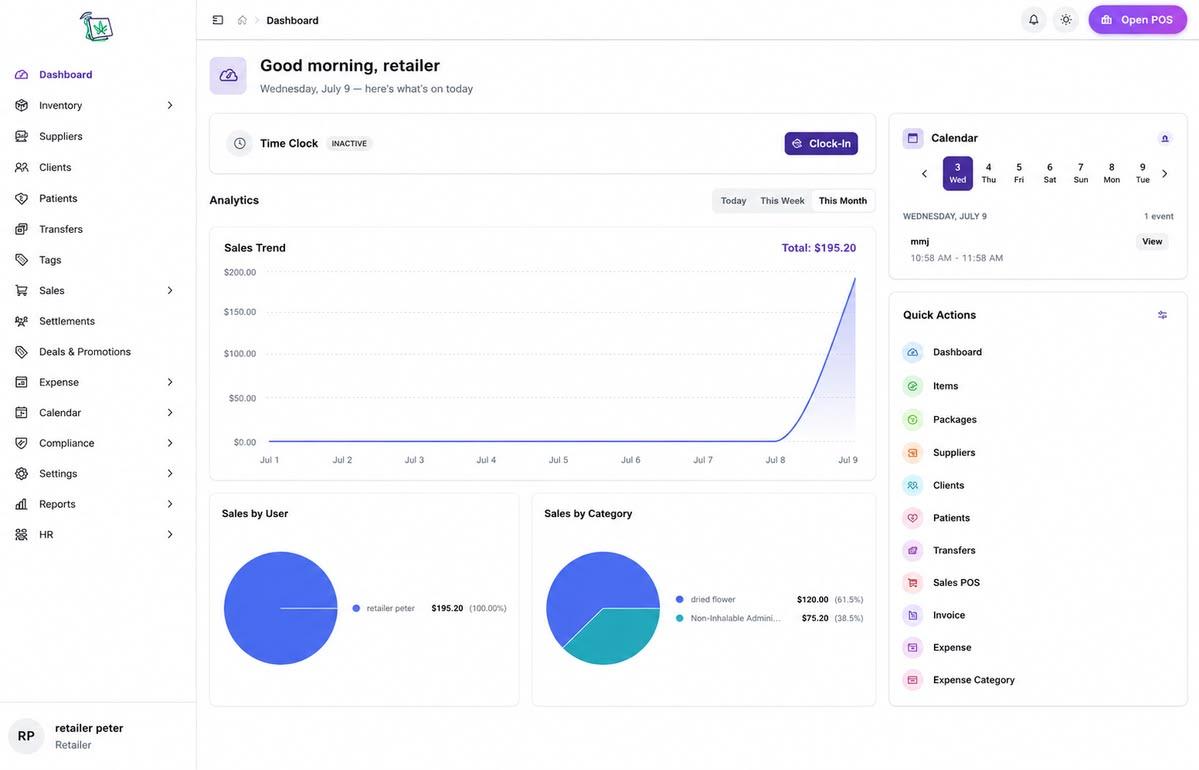
Cannabis POS System for Retail Dispensaries
A cannabis POS system for retail dispensaries must handle OMMA compliance, package inventory, and fast checkout in one workflow — not as bolt-on modules.
Point of SaleJune 19, 2026
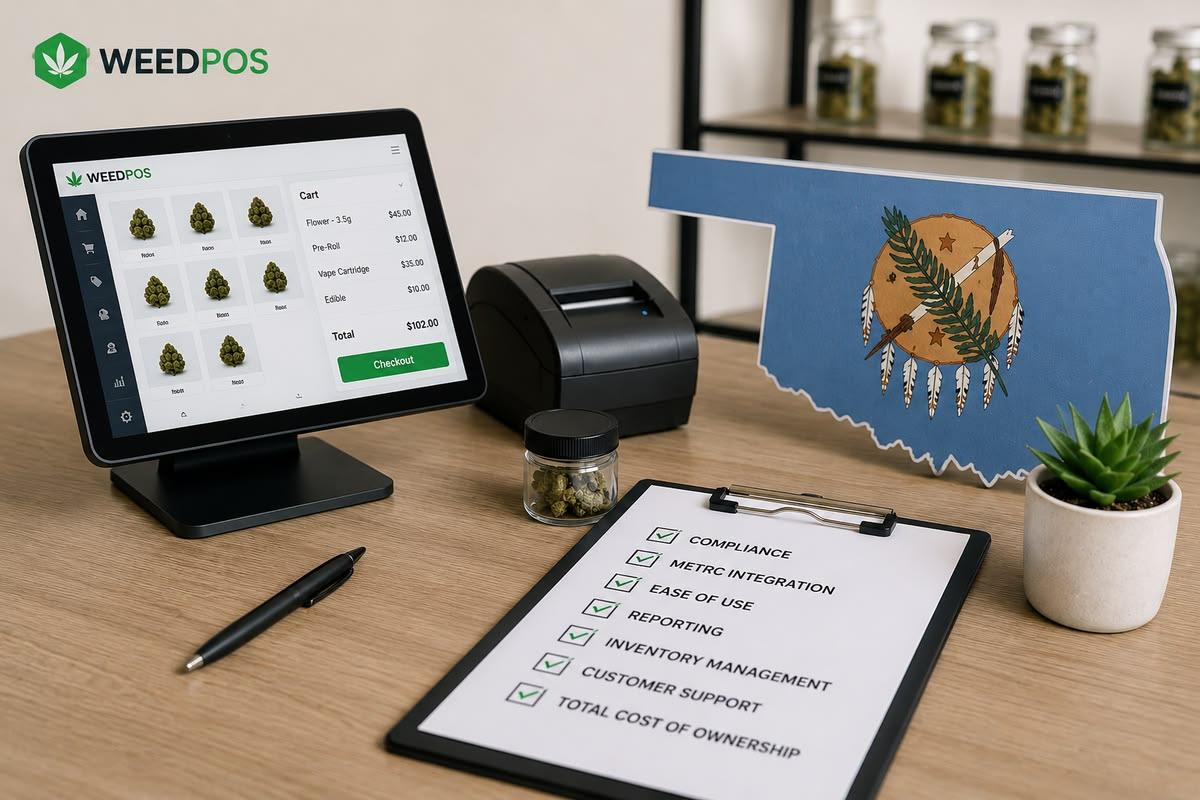
How to Choose a Dispensary POS System in Oklahoma
Step-by-step criteria for selecting the right dispensary POS in Oklahoma, balancing compliance, cost, and operations.

Point of SaleJune 18, 2026
Weed POS vs Dutchie: Oklahoma Dispensary POS Comparison
A feature-by-feature POS software comparison of Weed POS and Dutchie for Oklahoma dispensary operators evaluating OMMA compliance and operations.